The Problem
Average user gets 60-80 notifications daily.
Most are ignored. Many trigger app deletion or notification disable.
Your notifications compete with everyone else.
The Golden Rule
Notification should be valuable to user, not to you.
“You have a new message” from friend = valuable.
“We miss you, come back” = not valuable.
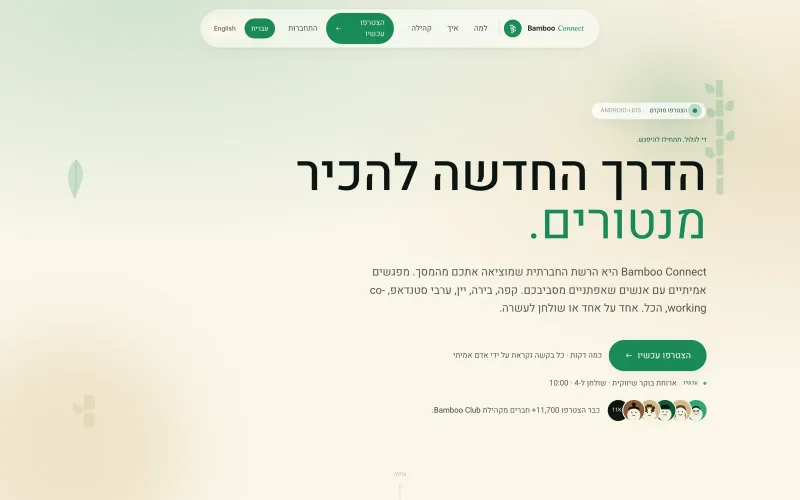 From our workOne app for iOS and AndroidBamboo Connect shipped to the App Store and Google Play from one codebase.Build your app →
Permission Priming
Don’t ask for notification permission immediately on install.
First: show value. Let user use app.
Then: at right moment, explain WHY notifications help.
Prime with pre-permission dialog before OS dialog.
Timing Matters
Send when user likely to appreciate.
Bad: 3am, weekends for work app, meal times, sleep hours.
Good: known active times per user.
Use timezone awareness.
Frequency Limits
Max 1-2 notifications per day for most apps.
News/media exception: multiple OK if user opted in.
Chat/social: real-time as they come.
Per-user throttling: don’t spam even if events happen.
Content That Works
Personal: mention name, specific action, direct.
Time-sensitive: “Sale ends in 1 hour”.
Action-oriented: what should user do?
Concise: 40-60 characters visible on lock screen.
Categorization
Not all notifications equal. Let user choose.
Categories: transactional (order shipped), promotional (sale), social (mentioned in chat), system (update available).
Per-category opt-in/opt-out.
Rich Notifications
Image previews.
Action buttons: “Reply”, “Mark done”.
Grouping: multiple messages from same person = one notification with count.
Silent vs Alerting
Silent notifications: background data sync, no user disturbance.
Alerting: sound + vibration + banner.
Use silent liberally, alerting sparingly.
Deep Linking
Tap notification → land on specific screen.
Not just app launch.
Notification about message = open that specific conversation.
Analytics
Track: sent, delivered, opened, converted to action.
By category, time, user segment.
Kill low-performing notification types.
A/B Testing
Test copy: same notification, different wording.
Test timing: same content, different times.
Test frequency: 1x/day vs 2x/day.
Notification Center
In-app inbox for all notifications.
Users can review missed ones.
Also read notifications don’t go away.
Unsubscribe Options
Easy to disable specific categories.
Nightly quiet hours.
Vacation mode.
Empowering user builds trust.
Business Notifications
Order status: shipping, delivery.
Password reset: security-critical.
Account changes: transparency.
These are wanted, don’t overthink.
Based on Real Projects
This guide is based on our work with:
Further Reading
If this guide helped you, you might also want to read our comprehensive guide on UI/UX Design.
Want to talk about your project?
A free consultation call, no commitment.
רוצים לדבר על הפרויקט שלכם?
אנחנו מתמחים בפיתוח SaaS, פתרונות AI, עיצוב UX/UI ובניית אתרים. ספרו לנו מה אתם צריכים.
דברו איתנו ←