Elementor’s Sweet Spot
Landing pages: fast to build, easy for clients to edit.
Marketing sites: templates, themes, easy customization.
Multi-page sites with similar structure.
Client needs to maintain content without dev help.
Where Elementor Fails
Complex custom functionality: not what it’s for.
Performance-critical pages: too much overhead.
Highly custom interactions: fighting the tool.
Reusable components across sites: locked to WordPress.
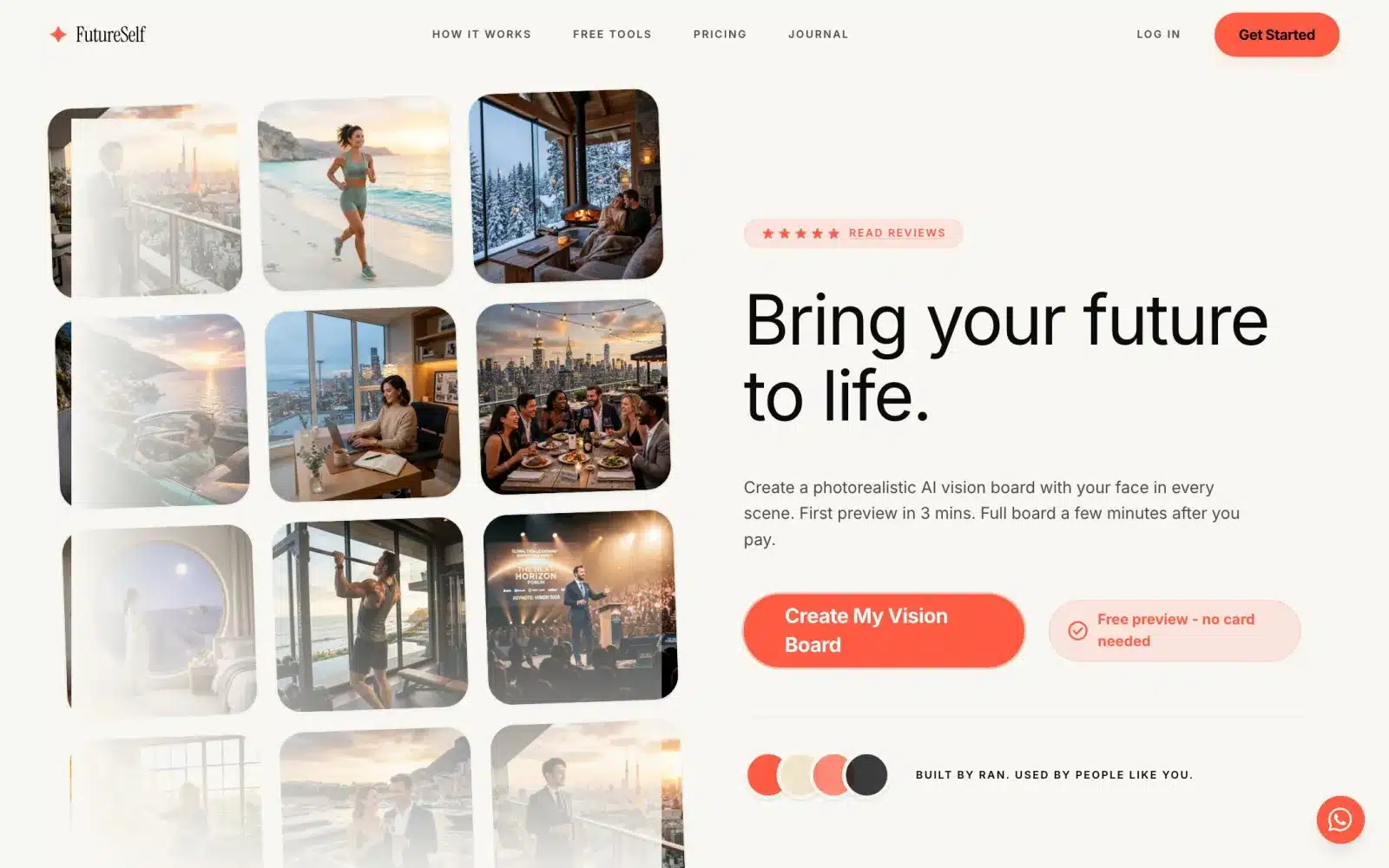 From our workA first product live in 4 weeksSign-up, payments and the core feature, ready for real users. FutureSelf is one of the products we built.How it works →
Custom Code’s Sweet Spot
Custom UI patterns beyond templates.
Complex forms with logic.
Integration with external APIs.
Performance-critical.
Long-term maintainability by dev team.
The Hybrid Approach
Elementor for structure and layout.
Custom code for specific functionality.
Best of both worlds when done right.
Custom Widgets
Write custom Elementor widget: PHP + JavaScript.
Appears in Elementor UI as native widget.
Editable in Elementor while functionality is custom.
Good pattern for client sites needing both.
Shortcodes
Write custom PHP that returns HTML.
Insert into Elementor text via shortcode.
Simpler than custom widget for many cases.
CSS Escape Hatch
Elementor styling gets you 80%. Custom CSS the rest.
Add to Elementor’s Custom CSS or theme file.
Use CSS variables for theming.
JavaScript Enhancements
Elementor has motion effects, but limited.
Add custom JavaScript for advanced animations.
GSAP for complex animations.
Intersection Observer for scroll effects.
Performance Optimization
Elementor generates lots of divs and inline styles.
Enable “improved asset loading” in Elementor settings.
Custom code for critical path.
Lazy load Elementor sections below fold.
When to Skip Elementor Entirely
High-traffic marketing site: custom code + headless CMS often better.
Web app: use React/Vue, not Elementor.
Ecommerce: WooCommerce OK, but custom themes better than Elementor.
Landing page for ad campaign: dedicated tools like Unbounce or custom.
Third-Party Plugins
Elementor Pro: worth it for features.
ACF (Advanced Custom Fields): complements Elementor for dynamic content.
Crocoblock JetPlugins: extend Elementor significantly.
Maintenance Considerations
Elementor updates can break custom modifications.
Test in staging before production updates.
Document customizations for future devs.
Client Handoff
Train client on Elementor: editing text, images, sections.
Custom code sections: mark clearly “don’t edit”.
Provide simple documentation.
Our Approach
Client-managed marketing sites: Elementor + minimal custom.
SaaS marketing sites: Next.js or similar.
Apps and dashboards: never Elementor.
Landing pages for ads: purpose-built tools or custom.
Based on Real Projects
This guide is based on our work with:
Further Reading
If this guide helped you, you might also want to read our comprehensive guide on Web Development.
Want to talk about your project?
A free consultation call, no commitment.
רוצים לדבר על הפרויקט שלכם?
אנחנו מתמחים בפיתוח SaaS, פתרונות AI, עיצוב UX/UI ובניית אתרים. ספרו לנו מה אתם צריכים.
דברו איתנו ←