What Headless WordPress Means
Traditional WordPress: WordPress serves HTML pages directly.
Headless: WordPress serves data via REST or GraphQL API. Separate frontend consumes that data.
Frontend usually Next.js, Gatsby, or Nuxt.
Why People Do It
Performance: static/JAMstack builds are fast.
Modern developer experience: React/Next vs PHP.
Multi-channel: same content to web, mobile, other.
Security: WordPress not exposed publicly.
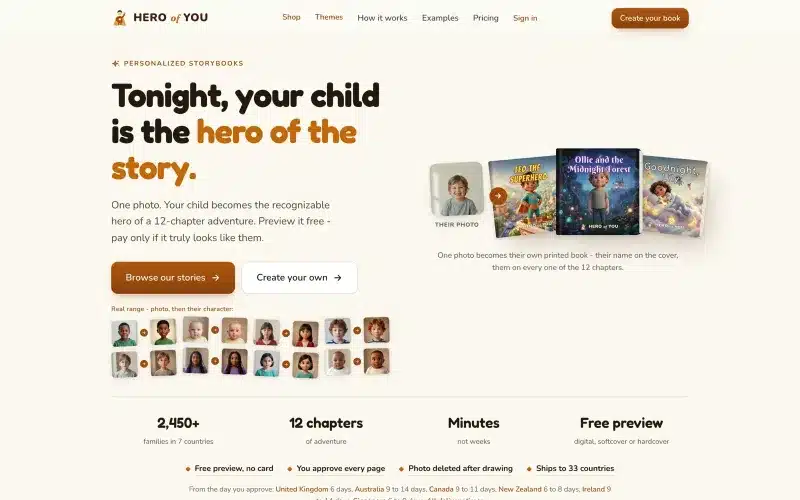 From our workA website that sells on its ownHero of You sells printed books straight from its site, payment and shipping included.Build your website →
The Real Costs
2 codebases to maintain: WordPress + frontend.
2 hosting setups: WordPress hosting + frontend hosting.
Rebuild/deploy required for content changes.
Some plugins don’t work headless (forms, page builders).
When Headless Makes Sense
High-traffic marketing sites where speed matters.
Content needs to serve multiple channels.
Development team prefers modern JS stack.
Budget for both WP dev and JS dev.
When It’s Over-Engineering
Small business site with occasional content updates.
Client managing site themselves.
Budget-constrained project.
Simple use case works with regular WordPress.
Content Preview
Traditional WordPress: hit “preview”, see immediately.
Headless: needs preview mode implementation.
Complex to set up properly.
Client experience often degraded.
Form Handling
WordPress: Contact Form 7, WPForms – just work.
Headless: forms need custom handling, submission endpoint.
Or: use external form service (Formspree, Tally).
Search
WordPress: built-in search works.
Headless: need Algolia, Meilisearch, or custom.
Better UX potential but more setup.
Media Handling
WordPress media library still used.
But images need optimization for frontend.
Cloudinary, imgix common integrations.
SEO Considerations
WordPress: Yoast/RankMath handle everything.
Headless: need to pass meta tags via API, implement in Next.js.
Doable but more work.
Build Times
Static generation: 100 pages = seconds. 10K pages = minutes.
Incremental Static Regeneration (ISR): only rebuild changed pages.
Server-side rendering: no build times but need running server.
Hosting Costs
Traditional WP: $10-50/month decent host.
Headless: $10-30/month WordPress + $0-20/month Vercel/Netlify.
Roughly similar total cost.
Development Cost
Traditional WP: 1 dev, familiar tools.
Headless: needs WP dev AND JS dev. Or one very capable dev.
2-3x more development time typically.
Our Recommendation
Marketing site under 50 pages, client-editable: traditional WP.
Large content site, brand cares about performance: headless.
Multi-channel publishing (web + app + newsletter): headless.
Simple business site: traditional WP + optimization.
Based on Real Projects
This guide is based on our work with:
Further Reading
If this guide helped you, you might also want to read our comprehensive guide on Web Development.
Want to talk about your project?
A free consultation call, no commitment.
רוצים לדבר על הפרויקט שלכם?
אנחנו מתמחים בפיתוח SaaS, פתרונות AI, עיצוב UX/UI ובניית אתרים. ספרו לנו מה אתם צריכים.
דברו איתנו ←