What Micro-copy Is
Button labels.
Form field help text.
Error messages.
Empty states.
Tooltips.
Every tiny piece of text in UI.
Why It Matters
Wrong word: user confused, abandons.
Right word: user proceeds confidently.
Cumulative effect: overall product feeling.
Personality: brand voice.
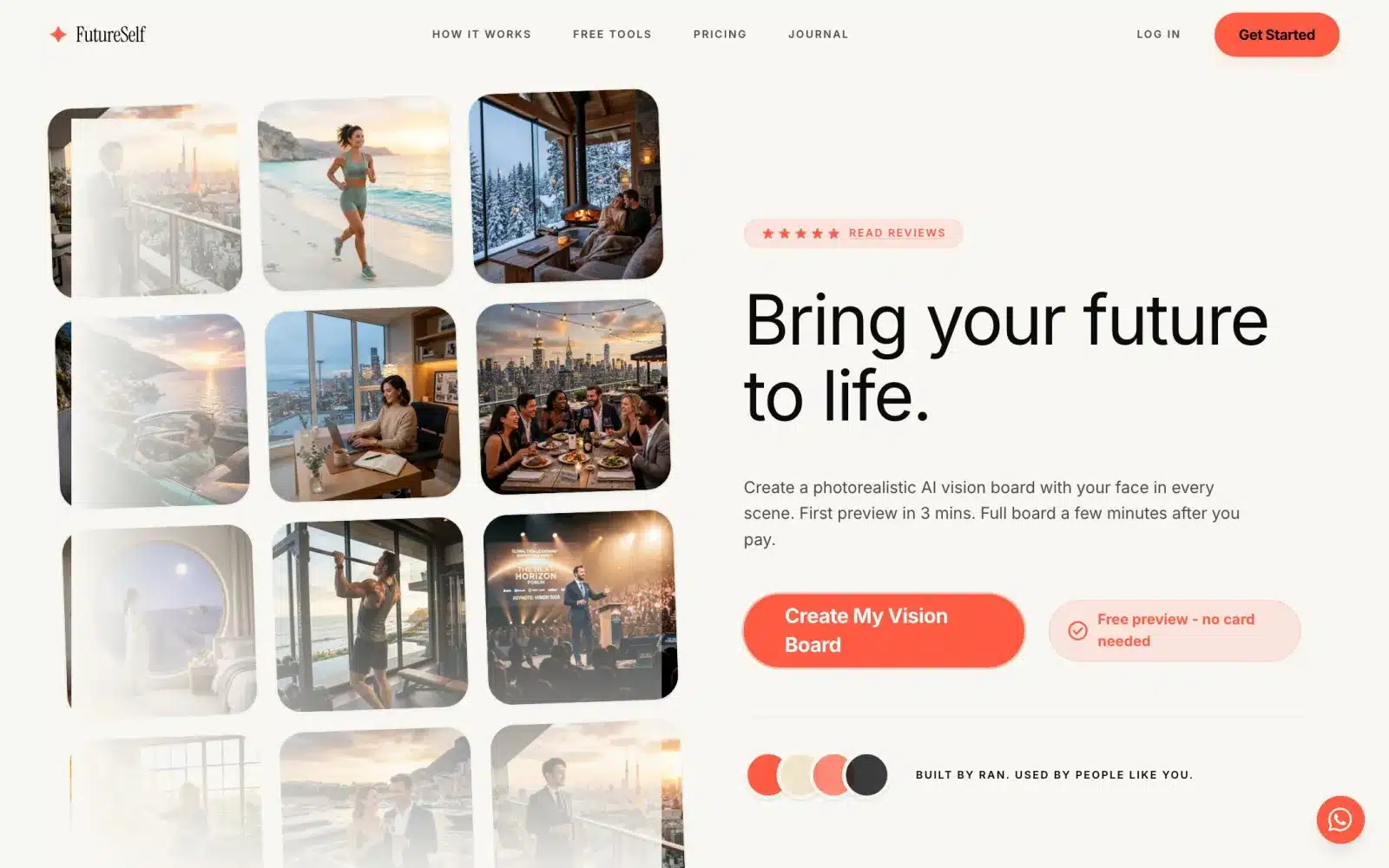 From our workA first product live in 4 weeksSign-up, payments and the core feature, ready for real users. FutureSelf is one of the products we built.How it works →
Buttons – Not Just “Submit”
Specific to action: “Save changes”, “Send message”.
Verb + noun format.
Consider consequence: “Delete forever” vs “Remove”.
Consistent across app.
Form Labels
Above field, not inside.
Placeholder is not a label.
Concise but complete.
Show format when needed: “Phone (10 digits)”.
Error Messages
What went wrong specifically.
Why (if helpful).
How to fix.
Not: “Error 5000” or “Invalid input”.
Yes: “Password must include a number”.
Success Messages
Confirm action completed.
Optional: what happens next.
Not overly celebratory.
Different from just “OK”.
Empty States
Explain what should be here.
Invite action.
Encouraging tone.
Not: “No data”.
Tooltips
Provide helpful context.
Don’t repeat visible label.
Concise: one sentence usually.
Show on hover/focus.
Confirmations
Clear stakes of action.
“Delete permanently” vs “Delete”.
Alternative to primary destructive action.
Not just “OK” and “Cancel”.
Onboarding Copy
Guide, don’t lecture.
One idea per message.
Show, don’t tell.
Skip option always.
Loading Messages
Longer than 2s: explain what’s happening.
Optional humor when appropriate.
Not just “Loading…”.
“Preparing your dashboard…”
Voice and Tone
Consistent across product.
Match brand personality.
Formal to friendly spectrum.
Cultural considerations.
Testing Micro-copy
A/B test high-impact copy: signup, checkout.
User testing: read aloud, watch reactions.
Analytics: which words correlate with conversion.
Continuous refinement.
Localization Challenges
Length varies by language.
Tone doesn’t always translate.
Cultural nuances.
Test with native speakers.
Common Mistakes
Jargon users don’t know.
Passive voice.
Vague: “Something went wrong”.
Blaming user: “You made an error”.
Long paragraphs where sentences suffice.
Based on Real Projects
This guide is based on our work with:
Further Reading
If this guide helped you, you might also want to read our comprehensive guide on UI/UX Design.
Want to talk about your project?
A free consultation call, no commitment.
רוצים לדבר על הפרויקט שלכם?
אנחנו מתמחים בפיתוח SaaS, פתרונות AI, עיצוב UX/UI ובניית אתרים. ספרו לנו מה אתם צריכים.
דברו איתנו ←