The Case for Accessibility
15% of population has disability.
Legal requirement in EU, US.
Better UX for everyone.
Market expansion opportunity.
WCAG Levels
A: minimum. Rarely enough.
AA: standard target. Legal minimum.
AAA: highest. Not always achievable/necessary.
Aim for AA compliance.
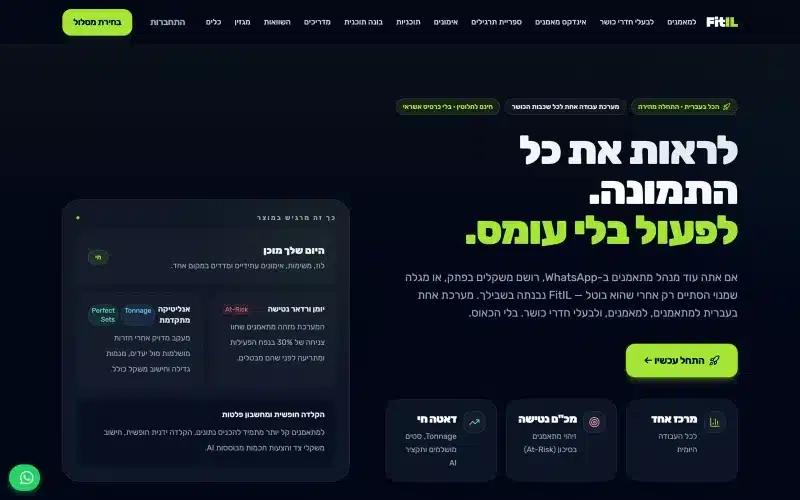 From our workA system with users, roles and billingFitIL runs trainers, trainees and gyms in one place. We built it and it is live today.Build your system →
Keyboard Navigation
Every action reachable by keyboard.
Tab order logical.
Focus indicators visible.
Skip links to main content.
No keyboard traps.
Screen Reader Support
Semantic HTML: use right elements.
ARIA labels for icons.
ARIA live regions for dynamic content.
Descriptive link text (not “click here”).
Alt text on all images.
Color and Contrast
Text contrast: 4.5:1 minimum (AA).
Large text: 3:1 minimum.
Don’t rely on color alone.
Test with color blindness simulators.
Forms
Every input has label.
Error messages associated with fields.
Instructions clear.
Required fields marked.
Success/error feedback accessible.
Motion and Animation
Prefers-reduced-motion respected.
Auto-playing content controllable.
Warnings before animations that could trigger seizures.
Time limits adjustable.
Content Structure
Heading hierarchy: h1, h2, h3.
One h1 per page.
Lists as lists (ul, ol).
Tables with proper headers.
Media
Videos: captions required.
Audio: transcripts.
Videos with important visuals: audio descriptions.
Media controls keyboard-accessible.
Testing Tools
axe DevTools: automatic checks.
WAVE: browser extension.
Screen readers: NVDA (free), VoiceOver, JAWS.
Keyboard-only navigation testing.
Beyond Compliance
Real user testing with disabilities.
Iterate based on feedback.
Consider cognitive accessibility.
Not just visual/motor – broader spectrum.
Common Mistakes
Icons without labels.
Modals not focus-trapping.
Auto-focus on random elements.
Color-only status indicators.
Small tap targets.
Business Case
Legal: lawsuits are expensive.
SEO: accessible sites rank better.
Market: excluded users are potential customers.
Quality: forces better design.
Getting Started
Audit current state.
Fix critical issues first.
Train team on principles.
Include in design system.
Not one-time – ongoing effort.
Based on Real Projects
This guide is based on our work with:
Further Reading
If this guide helped you, you might also want to read our comprehensive guide on UI/UX Design.
Want to talk about your project?
A free consultation call, no commitment.
רוצים לדבר על הפרויקט שלכם?
אנחנו מתמחים בפיתוח SaaS, פתרונות AI, עיצוב UX/UI ובניית אתרים. ספרו לנו מה אתם צריכים.
דברו איתנו ←